
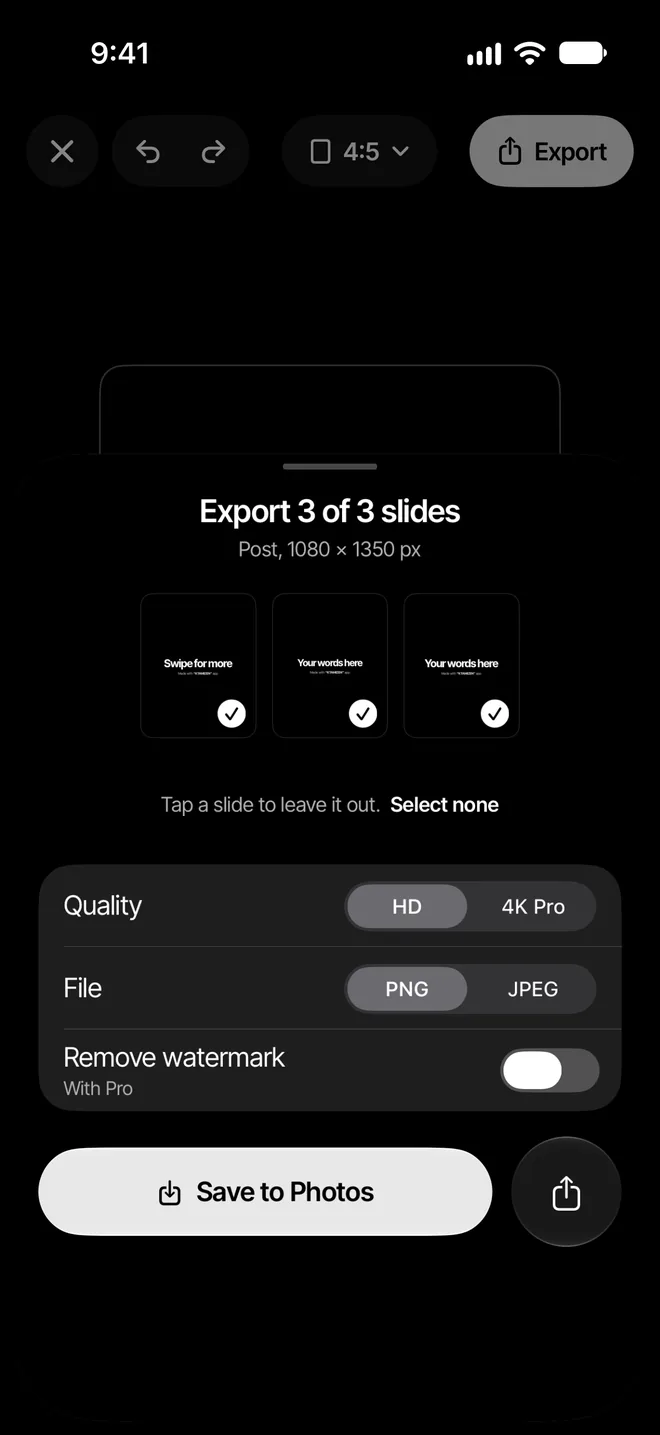
How it works
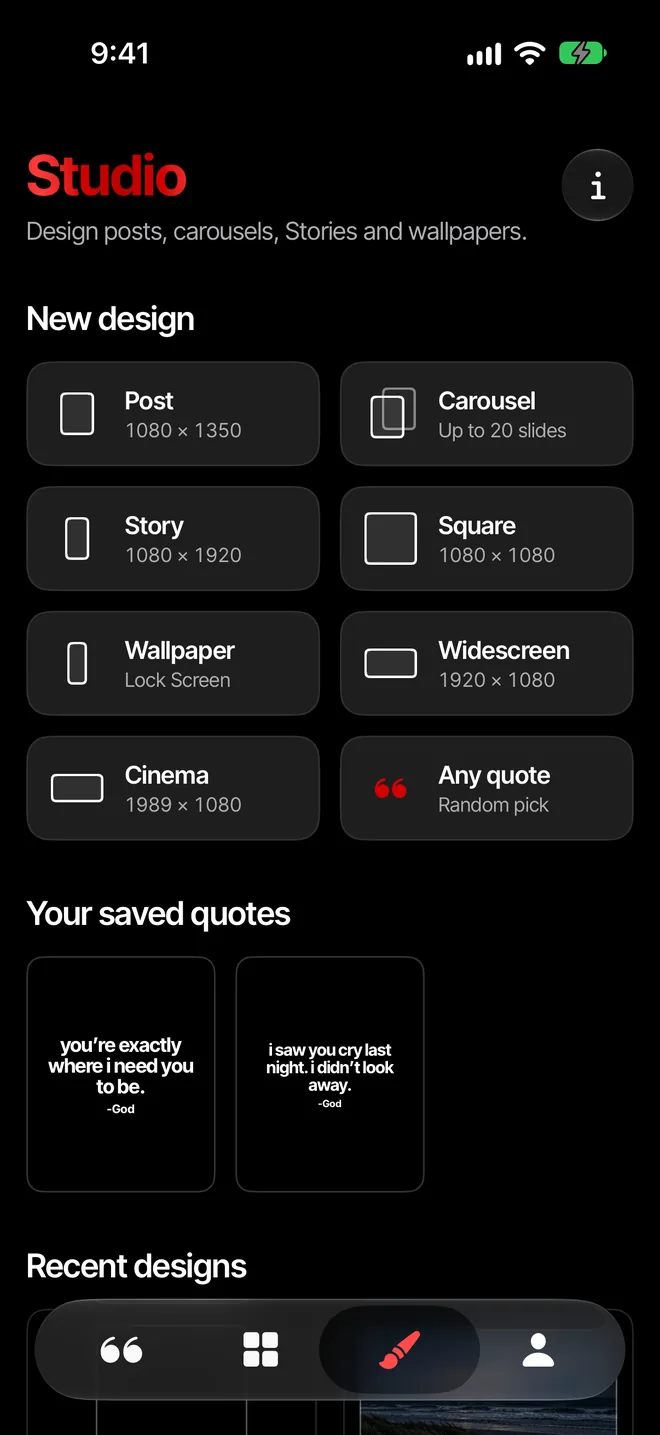
- Pick a format. Post, carousel, Story, square, wallpaper, widescreen or cinema. Or tap Any quote and start from a random line.
- Write or pick the words. Use a quote from the app, more than 14,000 in 9 languages, or type your own.
- Style it. Font, size, colour and background. Select a single word to make it bold, italic or a different colour.
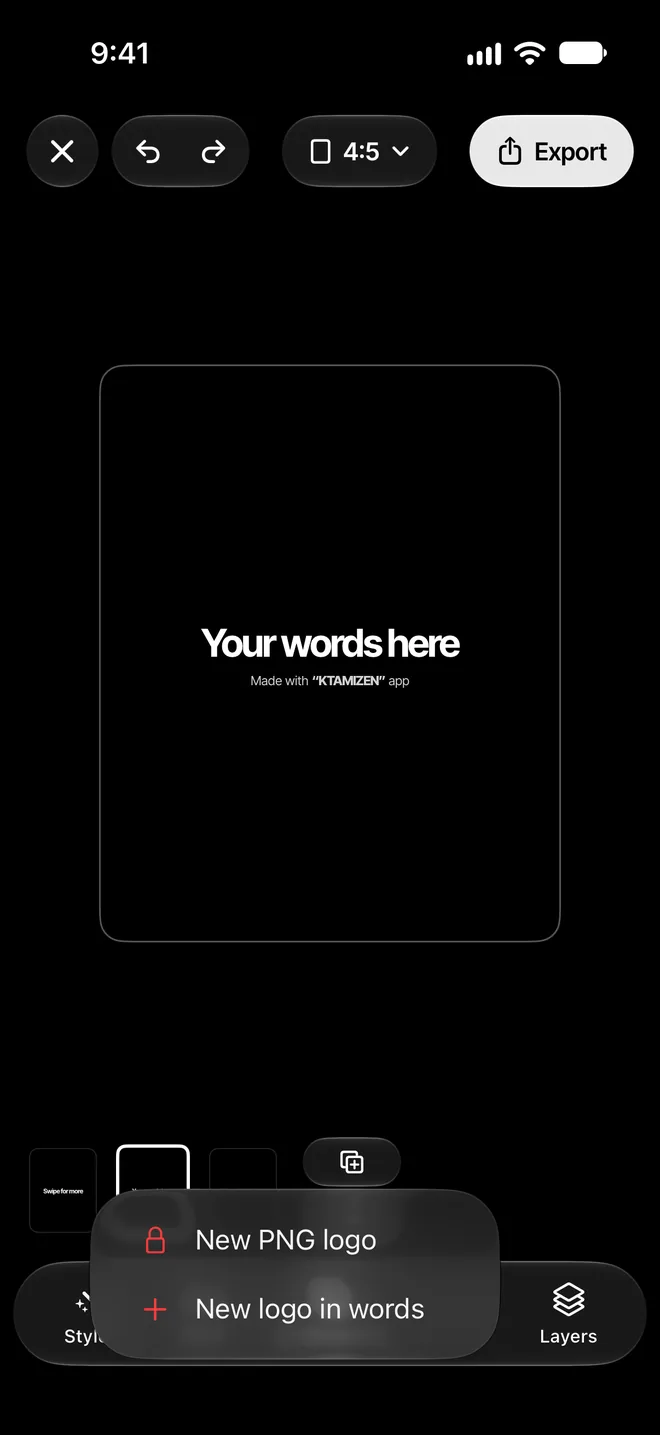
- Sign it. Add your logo or your @page so people find you when the post gets shared.
- Export. HD or 4K, PNG or JPEG. Every slide goes to Photos in order, ready to post.
Words that look the way you want
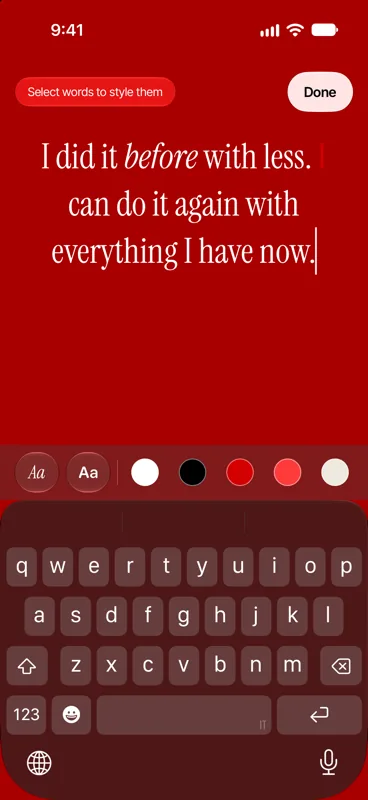
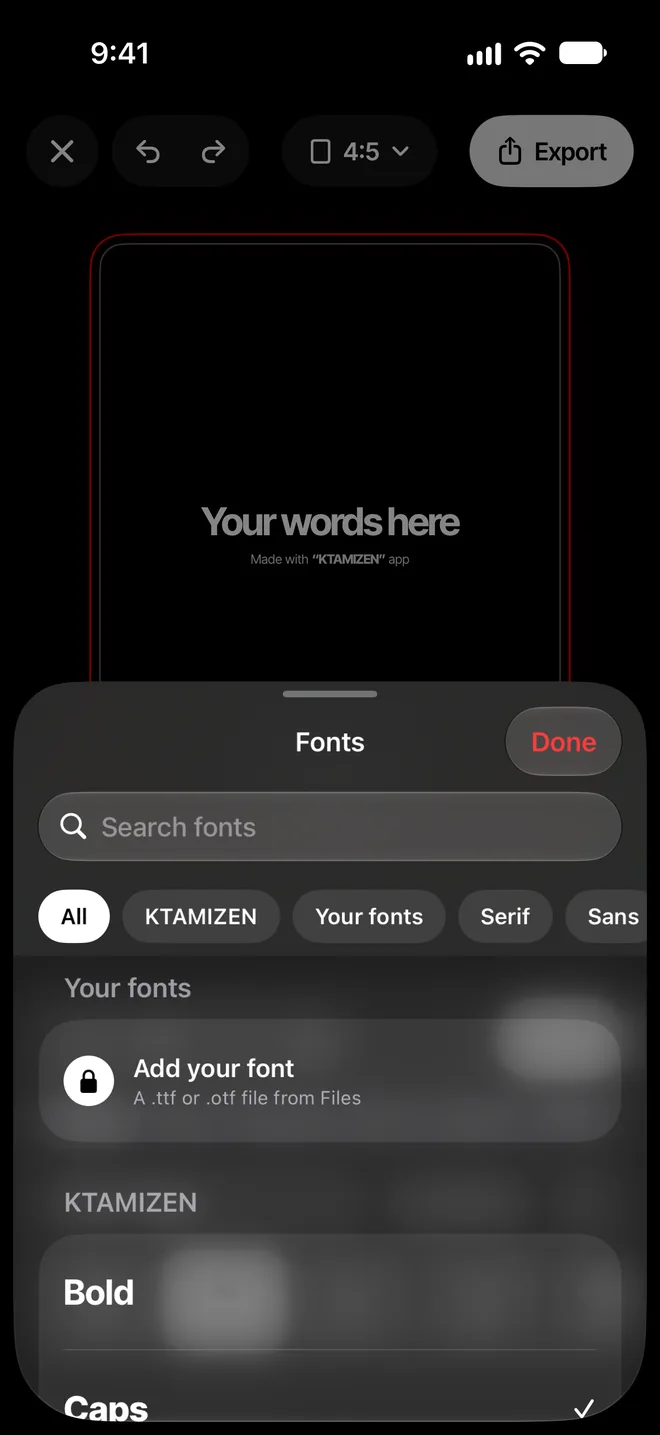
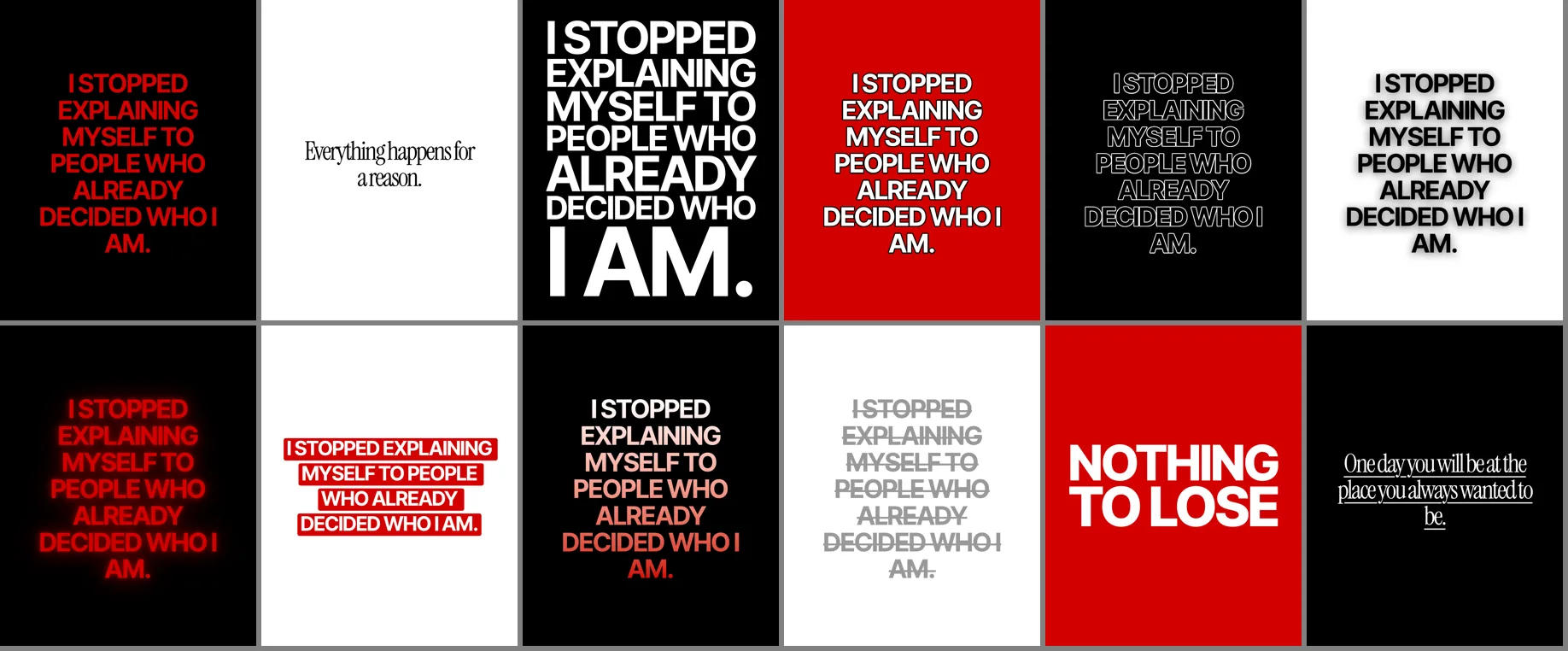
A quote post lives or dies on the type. In Studio you can change the whole line, or select one word and change only that word. A bar sits above the keyboard with the font, the weight, bold, italic and colour, so you never leave the text to style it.
Made for carousels
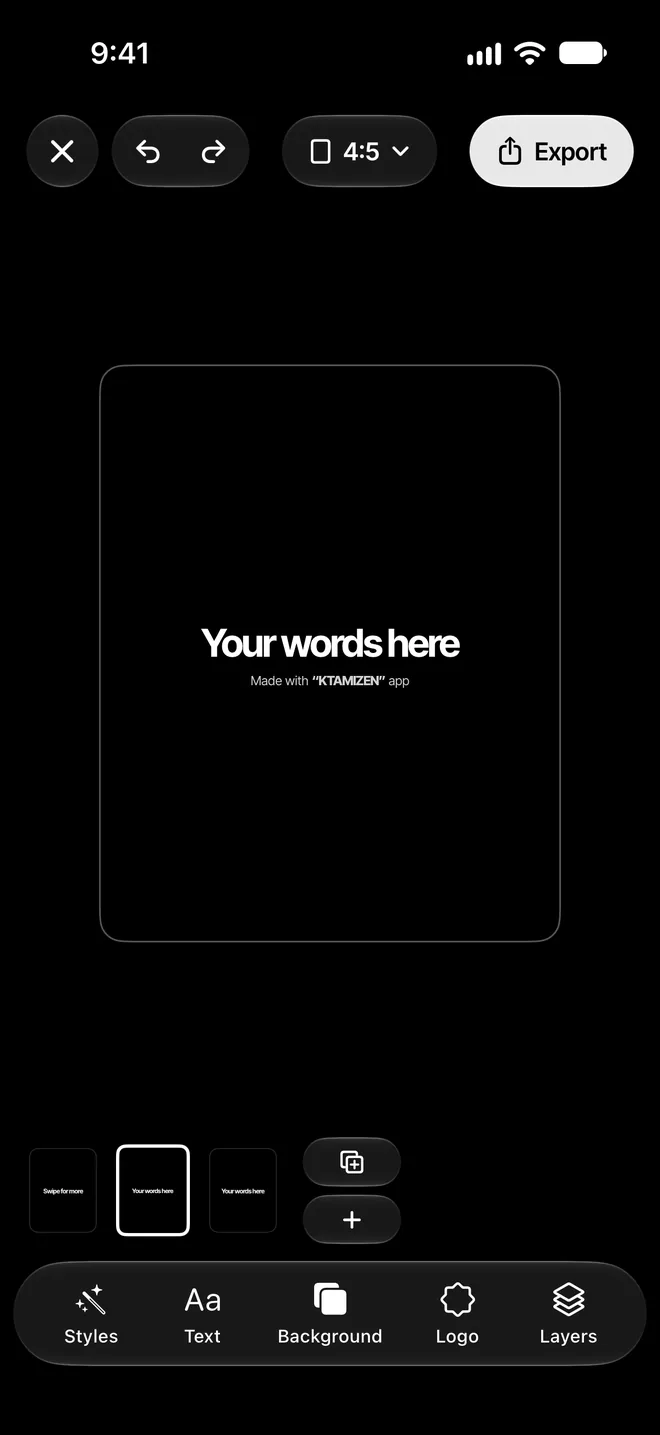
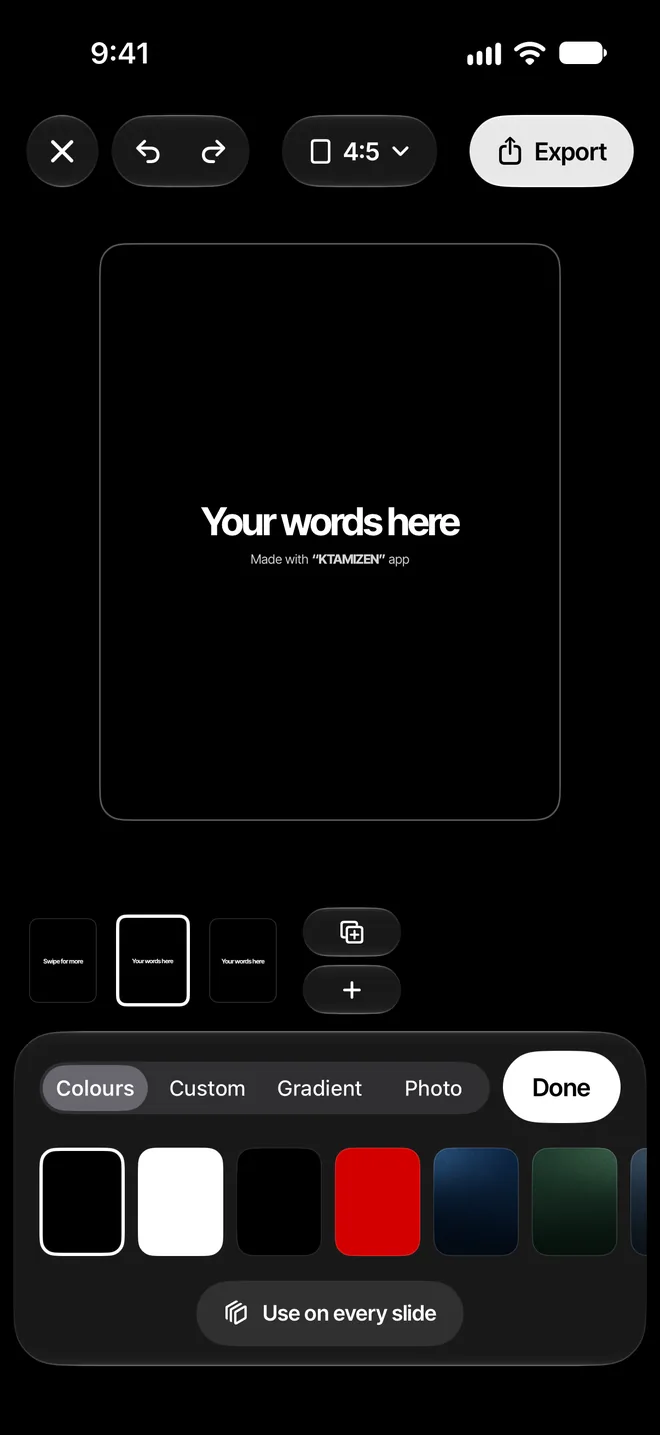
Carousels keep people on your post longer, because every slide is another view. Studio shows your slides in a row. Add one, copy one, move them around, and set a background on one slide or on all of them at once. Undo and redo are always there.
A real workspace on iPad
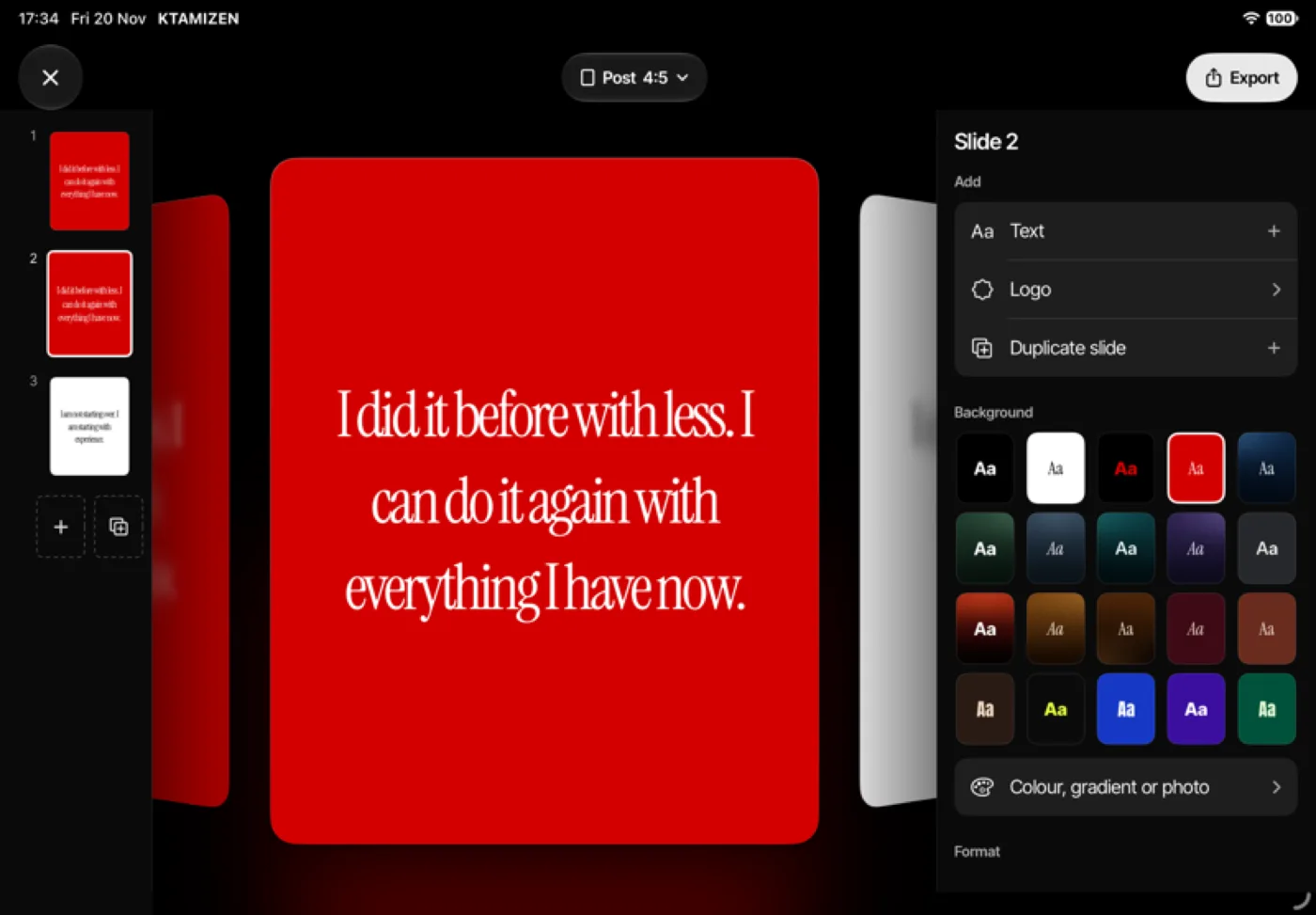
On iPad, Studio opens as a full workspace. Slides on the left, the canvas in the middle, text, logo and background controls on the right. Drag photos and text in from other apps.
Free and Pro
| Studio | Free | Pro |
|---|---|---|
| Every format, carousels up to 20 slides | Yes | Yes |
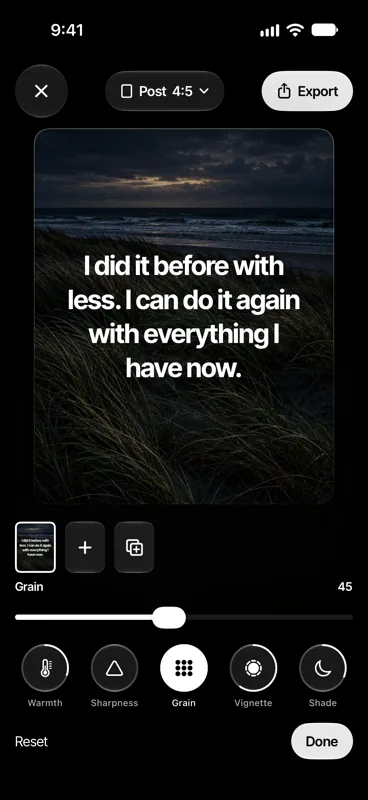
| Fonts, colours, backgrounds, photo adjustments | Yes | Yes |
| Logo in words and @page signature | Yes | Yes |
| Export quality | HD, with a small “Made with KTAMIZEN” mark | 4K, no mark |
| Saved designs | 3 | Unlimited |
| Your own fonts and PNG logo | No | Yes |
Pro also unlocks every theme, topic and widget in KTAMIZEN. It is a yearly plan with a 7-day free trial, or a monthly plan.
Built by a quote page
We run @ktamizen on Instagram, a quote page with more than 350,000 followers. Studio is the tool we wanted for our own posts: one look, short lines, a signature at the bottom and slides that go to Photos in the right order. If you are starting a page, read how to start an Instagram quote page or how to start a faceless page.
On a computer? Our free quote maker makes single posts in the browser.
Questions
Is Studio free?
Yes. Studio comes with KTAMIZEN at no cost. Free exports are in HD with a small “Made with KTAMIZEN” mark, and you can keep 3 designs. Pro adds 4K, no mark, your own fonts, a PNG logo and unlimited designs.
How many slides can a carousel have?
Up to 20, the same as Instagram. Studio saves them to Photos in order, so you can select them all and post them as one carousel.
Which sizes does Studio make?
Post 4:5 (1080 × 1350), Square 1:1, Story 9:16, Lock Screen wallpaper, Widescreen 16:9 and Cinema 21:9.
Does Studio work on iPad?
Yes. On iPad you get a full workspace with your slides on the left, the editor in the middle and the controls on the right. You can drag text and photos in from other apps.
Can I use my own fonts and logo?
Yes. Add a .ttf or .otf font, and put your logo on every post as a PNG or in words. Own fonts and the PNG logo are part of Pro, the text logo is free.
Do I need an account?
No. There is no sign-up, and your designs stay on your iPhone.
Get Studio
Studio is in KTAMIZEN for iPhone and iPad, free on the App Store.