

Examples made with this quote maker
Made on this page with the same controls you see above. Tap a colour to change it, or Remix to open it in the editor and make it yours.
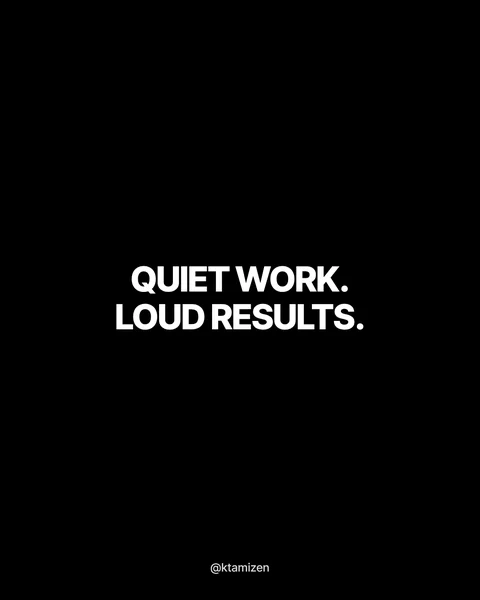
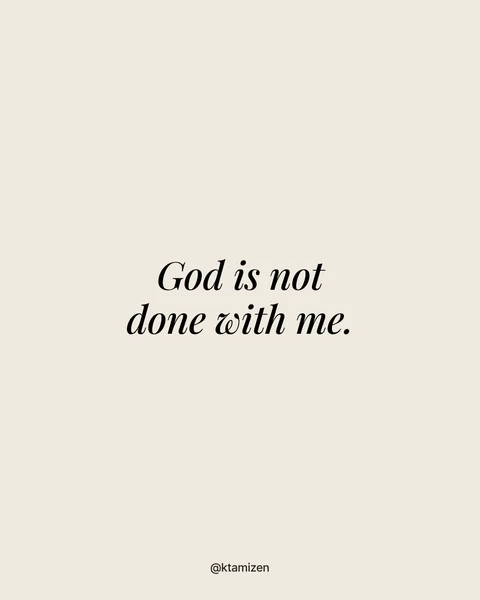
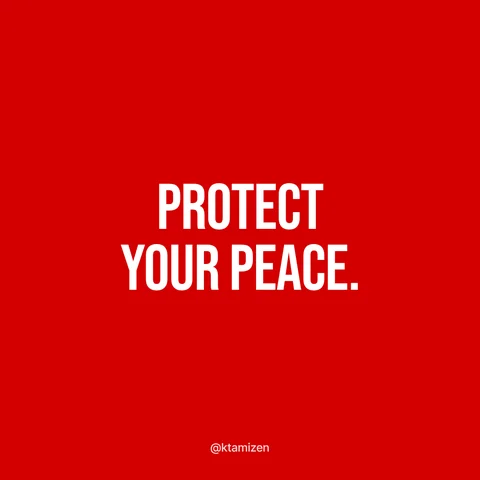
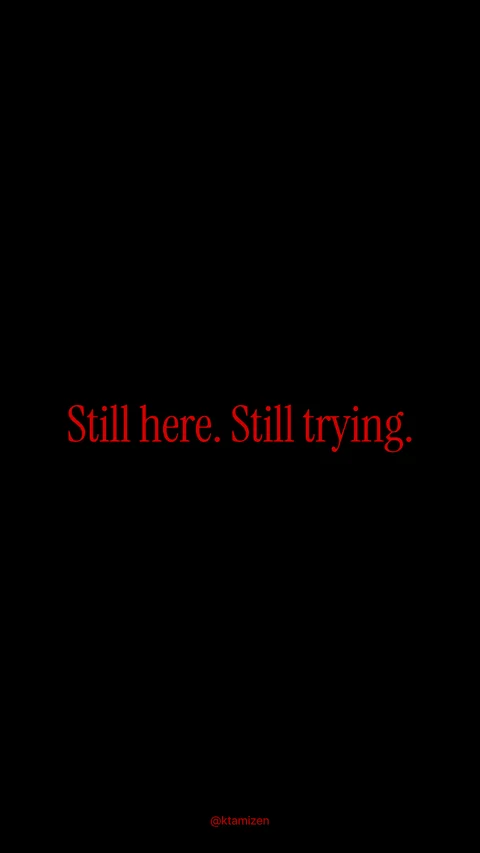
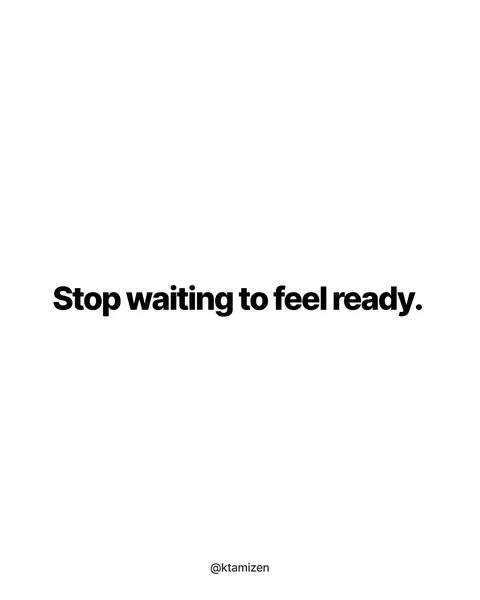
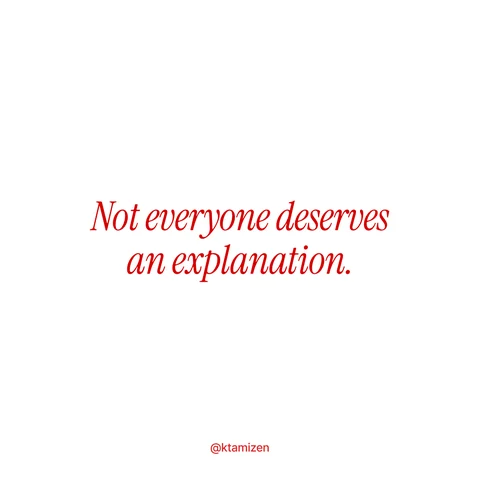
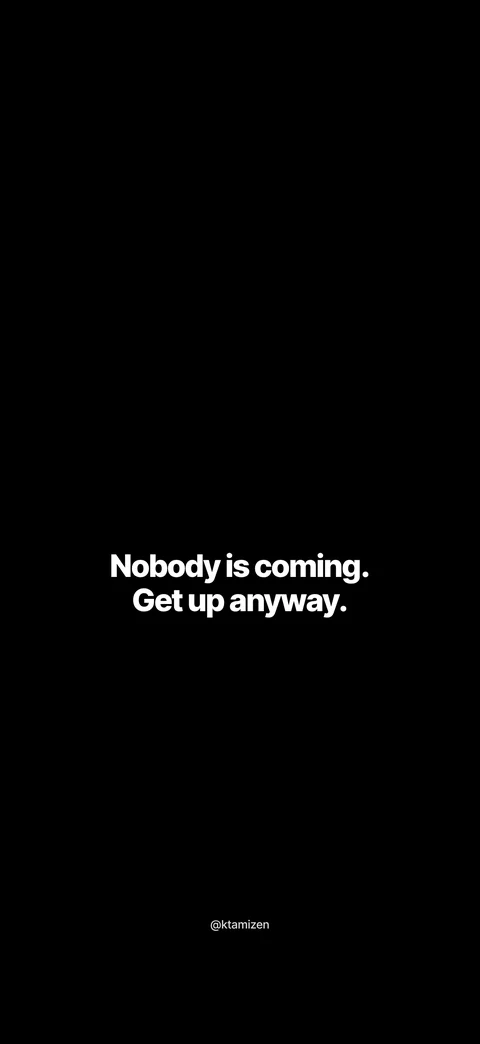
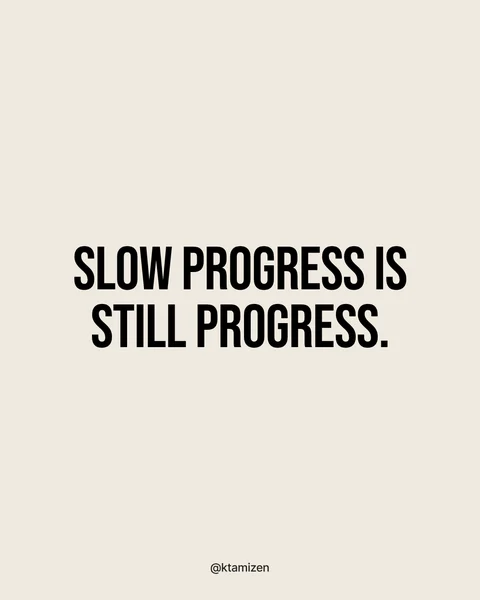
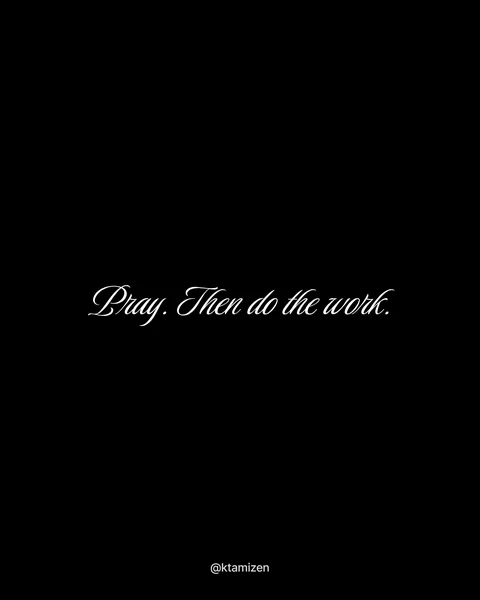
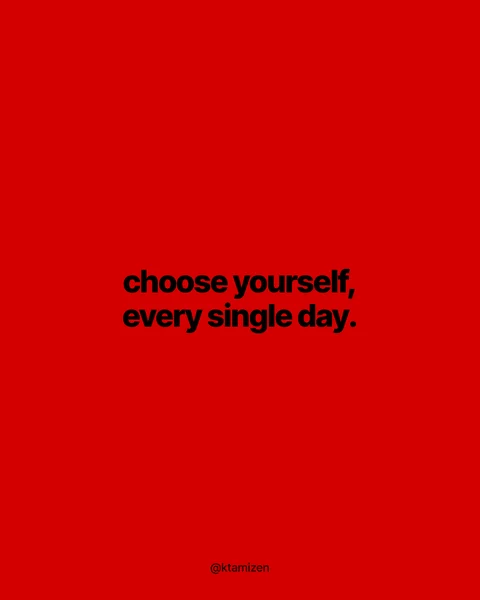
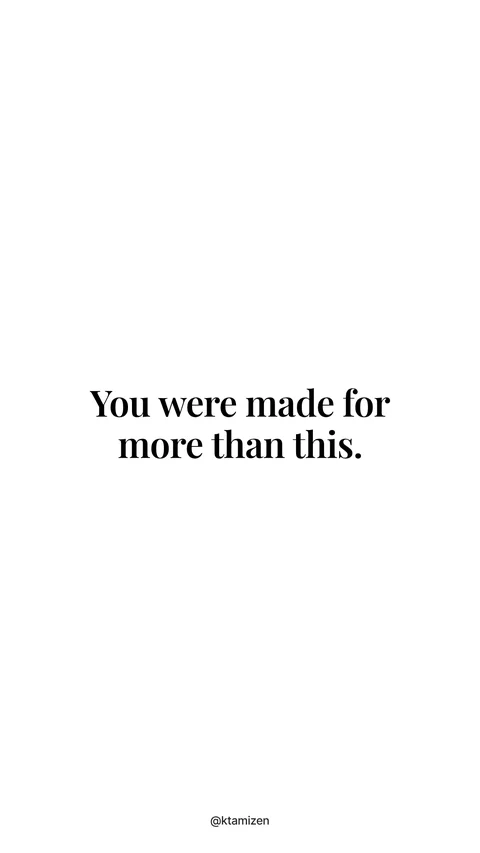
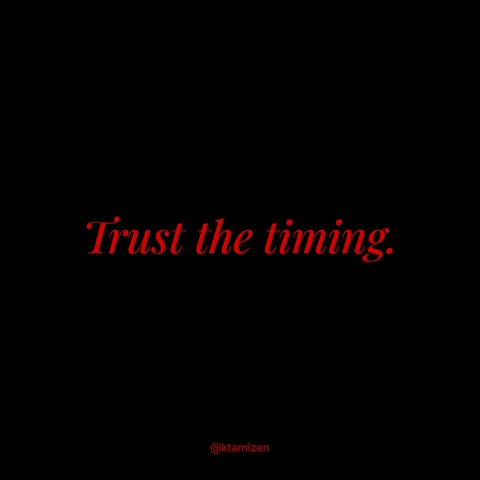
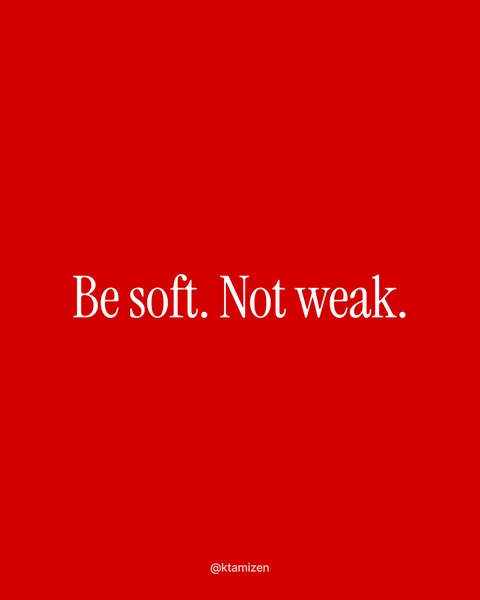
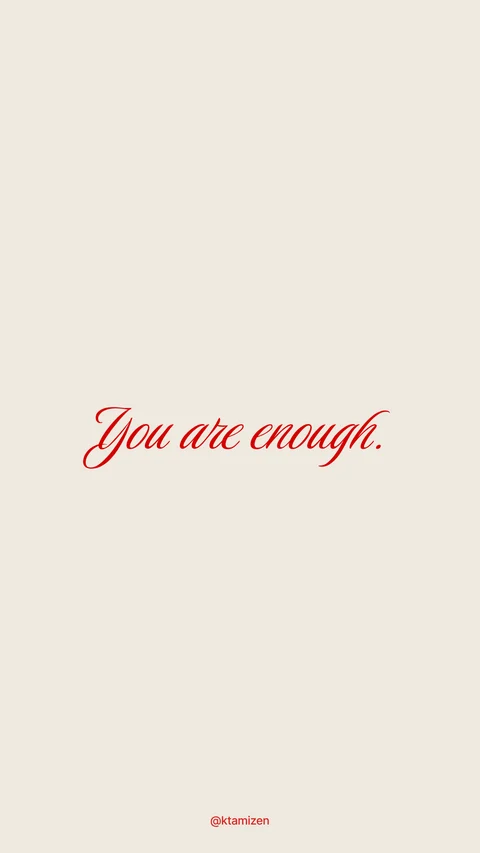
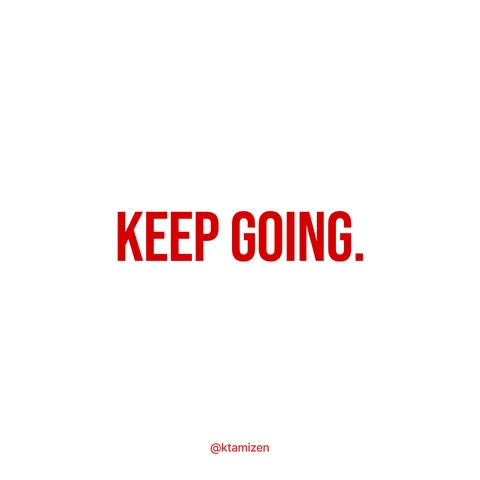
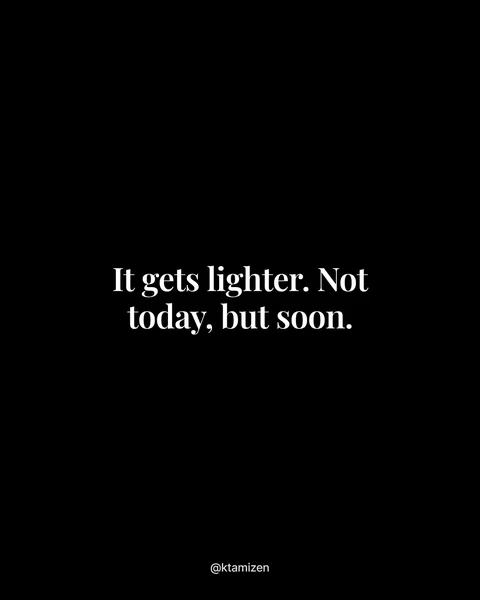
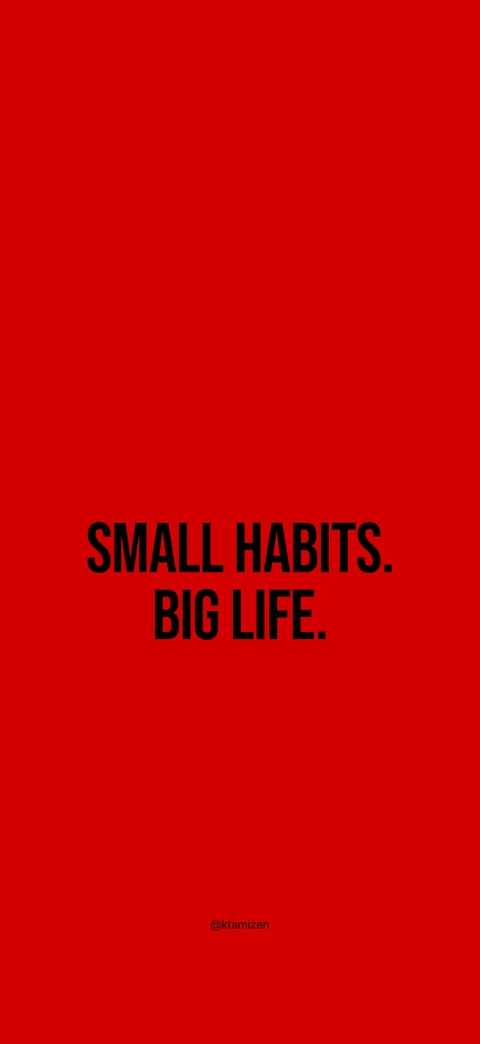
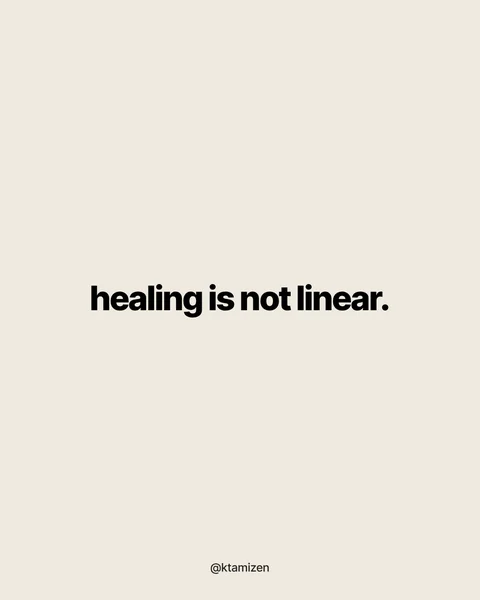
How to make a quote image
- Write your quote in the box. Short lines read better in a fast scroll.
- Pick the size and where the text sits: Post for the Instagram feed, Story for Stories and Reels covers, Wallpaper for your iPhone Lock Screen.
- Pick a font and a background. On photos, use Darken the photo until the words are easy to read.
- Add your @name as a signature, so people who see a repost can find you.
- Tap Download PNG and post it.
Which size to pick
| Size | Pixels | Use it for |
|---|---|---|
| Post 4:5 | 1080 x 1350 | Instagram feed posts and carousels |
| Square 1:1 | 1080 x 1080 | Square posts |
| Story 9:16 | 1080 x 1920 | Stories, Reels covers, TikTok |
| Lock Screen | 1206 x 2622 | iPhone wallpaper, with room for the clock |
What works on a quote page
This tool comes from @ktamizen, a quote page with 358,662 followers. In the 90 days to November 21, 2026 its posts were seen 45.2 million times, and 73% of those views came from people who didn't follow the page yet (source: Instagram Insights). Three things we learned:
- One sentence is enough. “if it costs me my peace, it has to go.” got 1.8 million views.
- Sign every post. Most views come from people who don't know you yet. The signature is how they find you.
- Keep one look. Same font, same colours, every day. People recognise the post before they read the name.
Questions
Is the quote maker free?
Yes. It is free, there is no account and no limit on how many images you make.
Is my text uploaded anywhere?
No. The image is drawn in your browser, on your device. Nothing you write is sent to us.
Which size should I use for Instagram?
4:5 (1080 x 1350) for feed posts, because it takes the most space in the feed. 1:1 for a square post and 9:16 for Stories and Reels covers.
Does it work on iPhone?
Yes. It works in Safari on iPhone. After you tap Download, open the file and save it to Photos.