
Not sure what a theme page is? Start with what a theme page is, and why it still works. This page is the practical part.
Step 1. Pick the theme
A theme page is built around one kind of content, not one person. Good themes are narrow enough that a stranger gets it from one post and wide enough to fill a year. "Quotes" is too wide. "Quotes about protecting your peace" is a theme.
Test it: write 30 post ideas in ten minutes. If you get stuck at 12, pick another theme. For ideas, see theme page ideas for 2027.
Step 2. Create the account
- Create a new Instagram account with a fresh email. Keep it separate from your personal account.
- Pick a username that is short and about the theme. Avoid numbers and underscores if you can.
- Switch to a professional account (Creator) in Settings, so Insights is available.
- Add a profile photo: a logo or a word mark in your page colours.
- Write a one line bio that says what a follower gets.
Step 3. Design one look
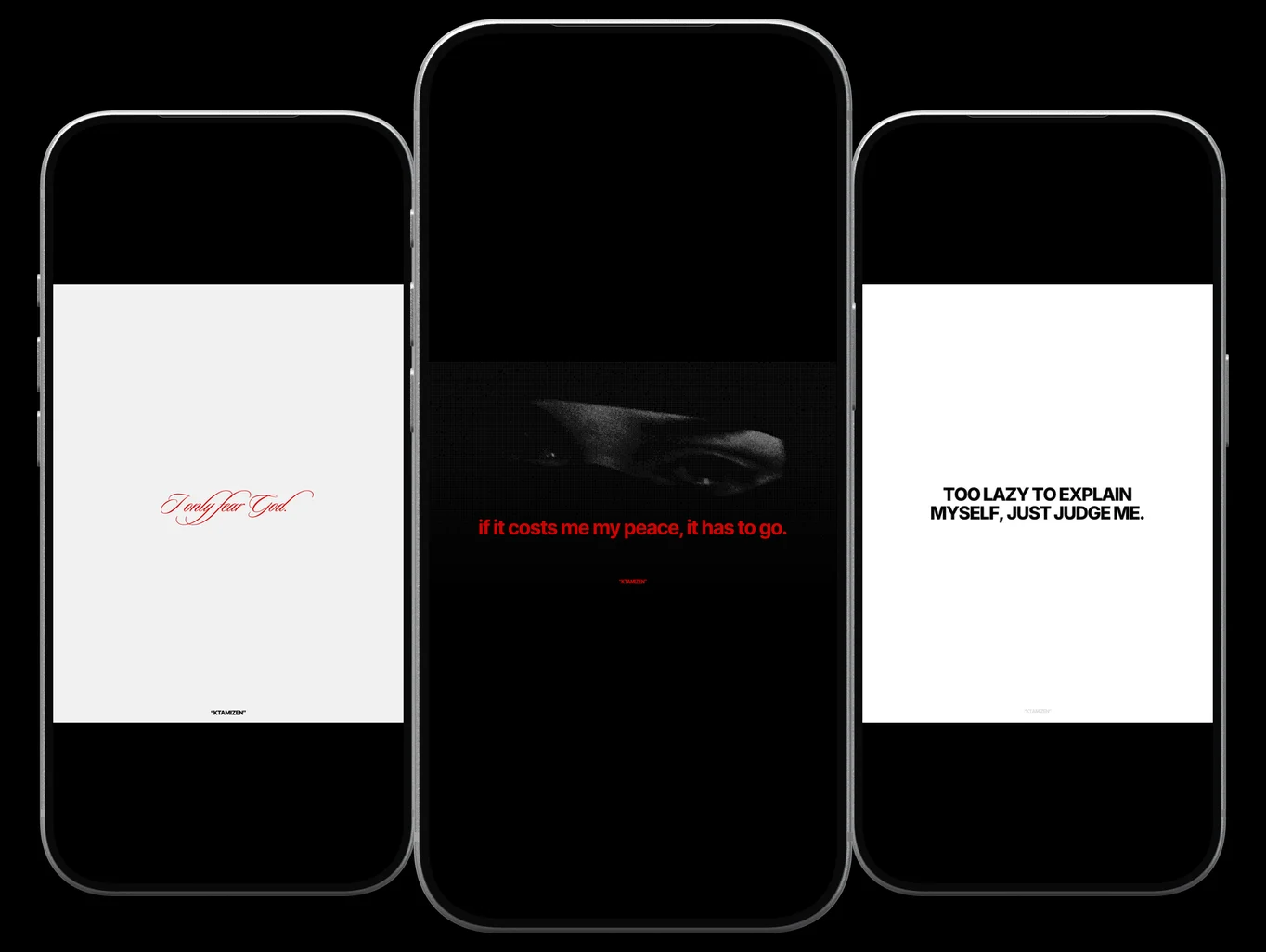
Choose one font, two or three colours and a small signature with your @name. Use them on every post. On @ktamizen it is red, black and white, a heavy font, and “KTAMIZEN” centred at the bottom. When a post travels through DMs and screenshots, the signature brings people back.
Use the right size: 1080 x 1350 for feed posts, 1080 x 1920 for Stories. All the sizes are in Instagram post sizes.
Step 4. Prepare 12 posts before day one
New visitors look at the grid before they follow. Twelve posts in the same style make the page look settled. Make them in one sitting so the style stays the same.
Step 5. Post every day, and mix formats
Post one or two feed posts a day. In our data, single quote posts win follows and carousels win views. One single post, “if it costs me my peace, it has to go.”, brought 3,258 new followers. Our best carousel in the same weeks brought 692.
| @ktamizen, last 30 days of feed posts | Proven data |
|---|---|
| Posts | 41 |
| Views | 10,286,906 |
| Shares | 140,294 |
| Saves | 119,444 |
| New followers from posts | 9,171 |
Source: Buffer analytics for @ktamizen, October 23 to November 22, 2026.
Step 6. Post on your best days
After two or three weeks, Insights shows when your followers are active. Ours are most active on Wednesday (148,900), Thursday (143,735) and Tuesday (134,740), and least on Saturday (88,510). Save your strongest posts for your best days.
Step 7. Keep it original
Instagram says it favours original posts over reposts in recommendations. A theme page that only reposts other accounts stays small and risks copyright takedowns. Make your own images, write your own lines, and credit anyone you quote.
Step 8. Double down on what gets shared
Every week, sort your posts by shares. The top one tells you what your audience wants more of. Make five more on the same idea. Drop formats that get views but no shares and no follows.
All of this works from a phone. Our free quote maker makes a post in the browser in under a minute: line, size, background, font, signature, save.
Questions
How long does it take to grow a theme page?
It depends on the theme and how often you post. Look at weekly numbers, not daily ones. A good week is one where shares and follows go up compared with the week before.
Is it legal to run a theme page?
Yes, as long as you use content you made or have the right to use, and credit people you quote. Reposting other people's images without permission can get posts removed.
Do I need to show my face on a theme page?
No. Theme pages are usually faceless. @ktamizen has never shown a face. See how to start a faceless Instagram page.
Should I use a Creator or Business account?
Creator works well for most theme pages. Both give you Insights.
Can I run more than one theme page?
Yes, but start with one. Each page needs daily posts, so a second page doubles the work.
Make your next post now
Our free quote maker is free and runs in your browser, with nothing to install. For quotes on your Lock Screen and Home Screen every day, there is KTAMIZEN for iPhone.